What’s new
Every update to Botple Notes and Botple Calc, newest first.
· Botple Notes 110
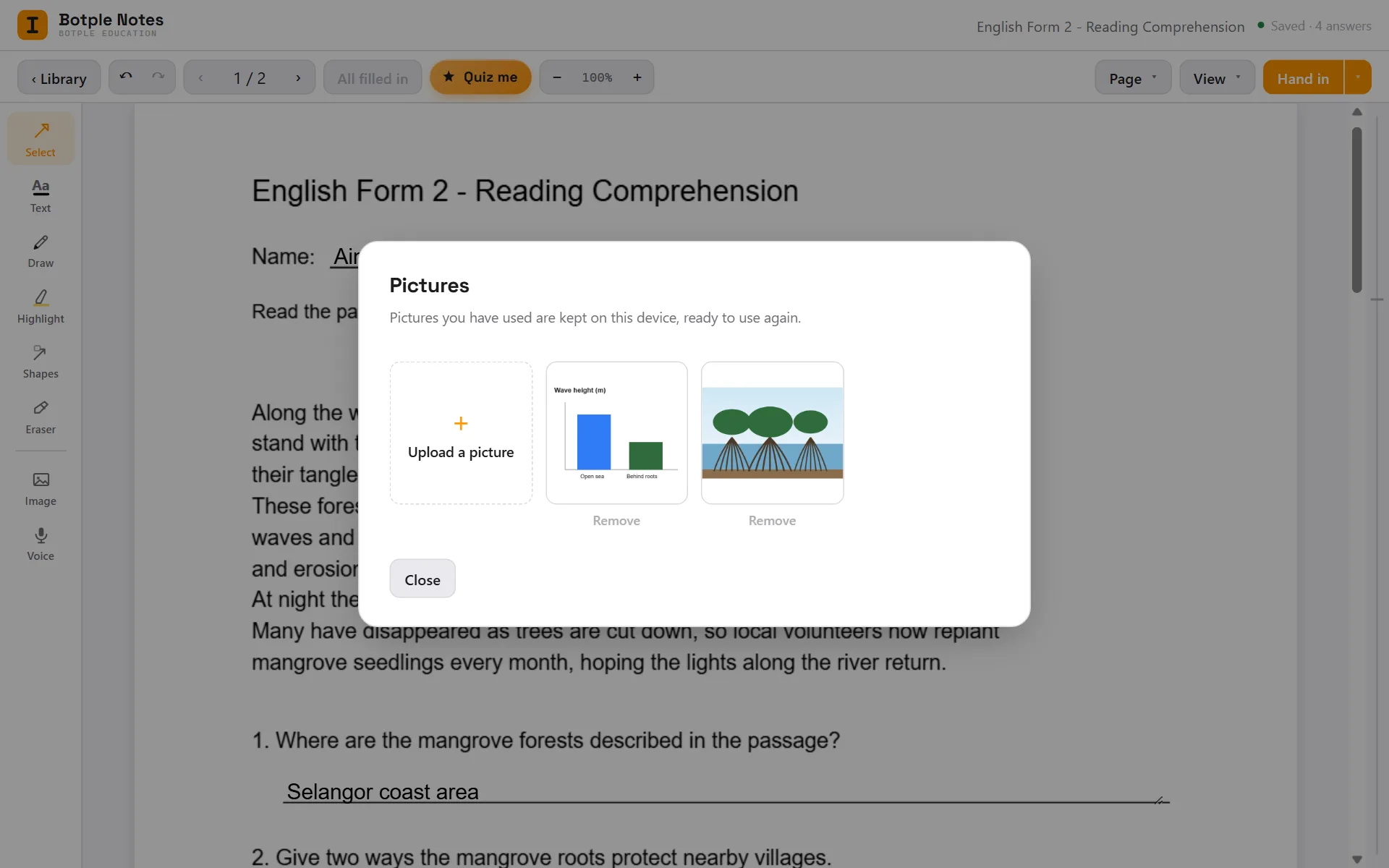
Pictures you have used are kept for next time
Add or paste a picture once and it stays in Pictures, ready to drop into any other document. Up to 40 are kept, on your device only. Remove any you no longer want.
Also in this update
- Answers click onto their line Drag an answer near a blank and it snaps on, with the blank lit up.
- Quiz me spots random typing Mashed keys are not counted. Type a real answer, or see the answer.
- Scanned pages: every writing line gets a box Long answers on a scan used to get one or two boxes. Tick boxes in tables are found too.
- Fewer boxes where there is no blank No more boxes on diagrams, colour keys, underlined headings or “Instruction:”.
- Covered-up answers become blanks A scan with white patches over the answers now gets a box on each patch.
- Pasted textbook pages get boxes too Worksheets with a textbook page pasted in now get a box on every blank in the picture.
- Forms: every table cell and tick box gets a box Name, address and phone cells, typed ☐ boxes and answer frames are found.
- The home page shows Botple Notes in use Four short clips of the real app, and a sample worksheet to try on the page.
Fixed
- Ctrl+D no longer opens bookmarks Inside a document it always copies what you picked.
- Library cards and the New menu fit again Titles and details were cut off once you had many documents.
- Pages stay sharp when you zoom out Pages now draw at your screen's full sharpness, so small print stays crisp.
- A worksheet fits a narrow window No more sideways scrollbar when the window is small.
· Botple Notes 109
Drag anything on the page and line it up exactly
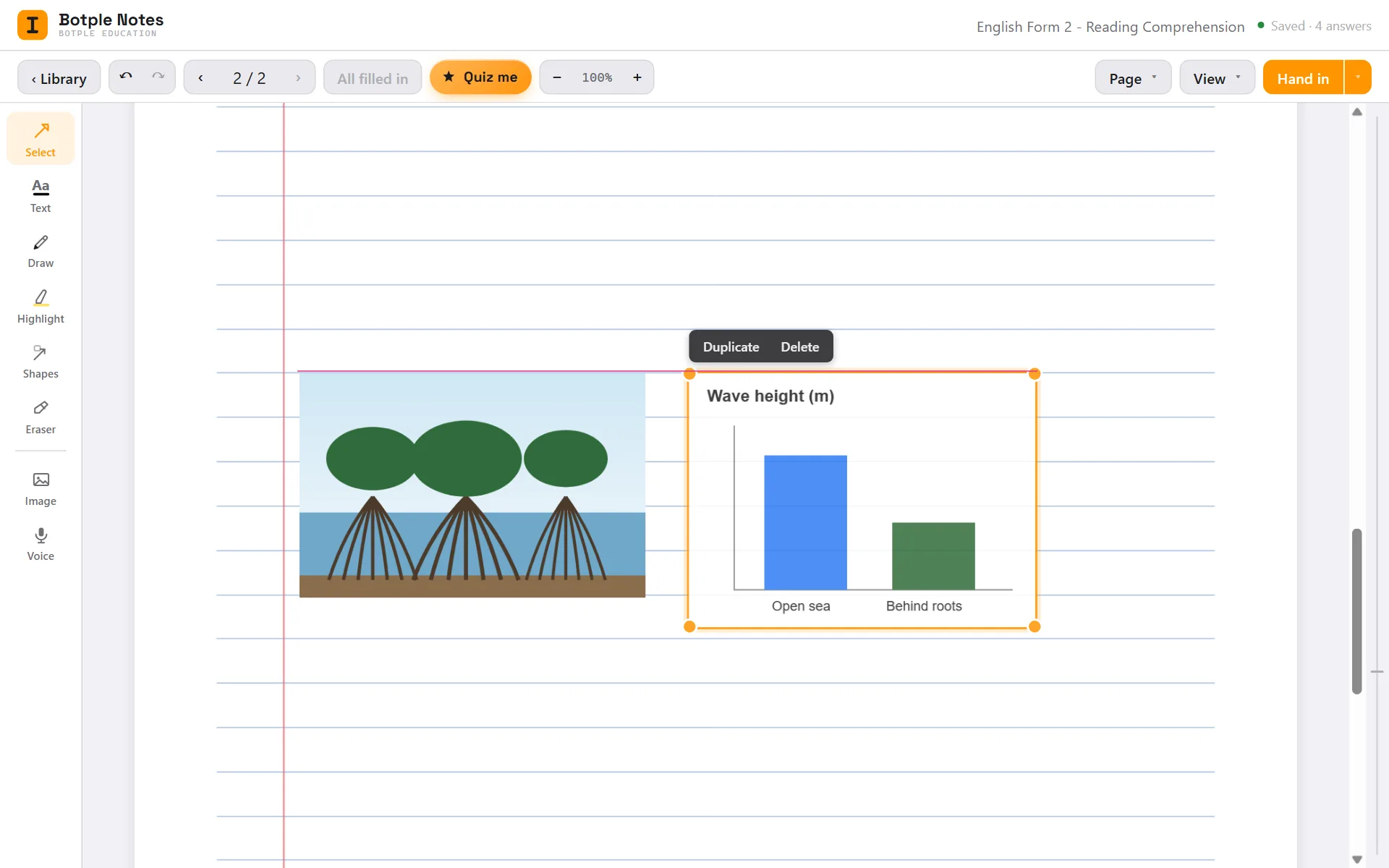
Pictures, shapes and stamps move by dragging them, and text boxes by their edge. A thin line shows when something lines up with the page or a neighbour, and it snaps there. Hold Alt to place it freely.
Also in this update
- Copy, paste and duplicate Ctrl+C, Ctrl+V and Ctrl+D work on pictures, shapes and stamps.
- Resize a picture from any corner It keeps its shape, and lines up as you drag.
- Arrow keys move what you picked One point at a time, or ten with Shift.
- The Calc page shows the real calculator Two screenshots from Botple Calc replace the drawings.
- Help has a search box Type a word and only the matching answers stay on the page.
- About tells the story How Botple started, in two short paragraphs.
· Botple Notes 108
Updates you can take in at a glance
After an update, Botple Notes shows the biggest change first, with a picture of it, and lists everything else in a line each.
Also in this update
- What’s new is a simple timeline Each update has a date, a plain headline and a real screenshot.
- Easier-to-read text on the website Atkinson Hyperlegible Next, a typeface made for easy reading.
- The Notes page shows the real app Four screenshots from Botple Notes replace the drawings.
- A simpler home page One sentence and the real app. What Botple stands for is now on About.
Fixed
- Earlier answers stay out of the way In Quiz me, the note on a past answer no longer covers the next one.
· Botple Notes 107
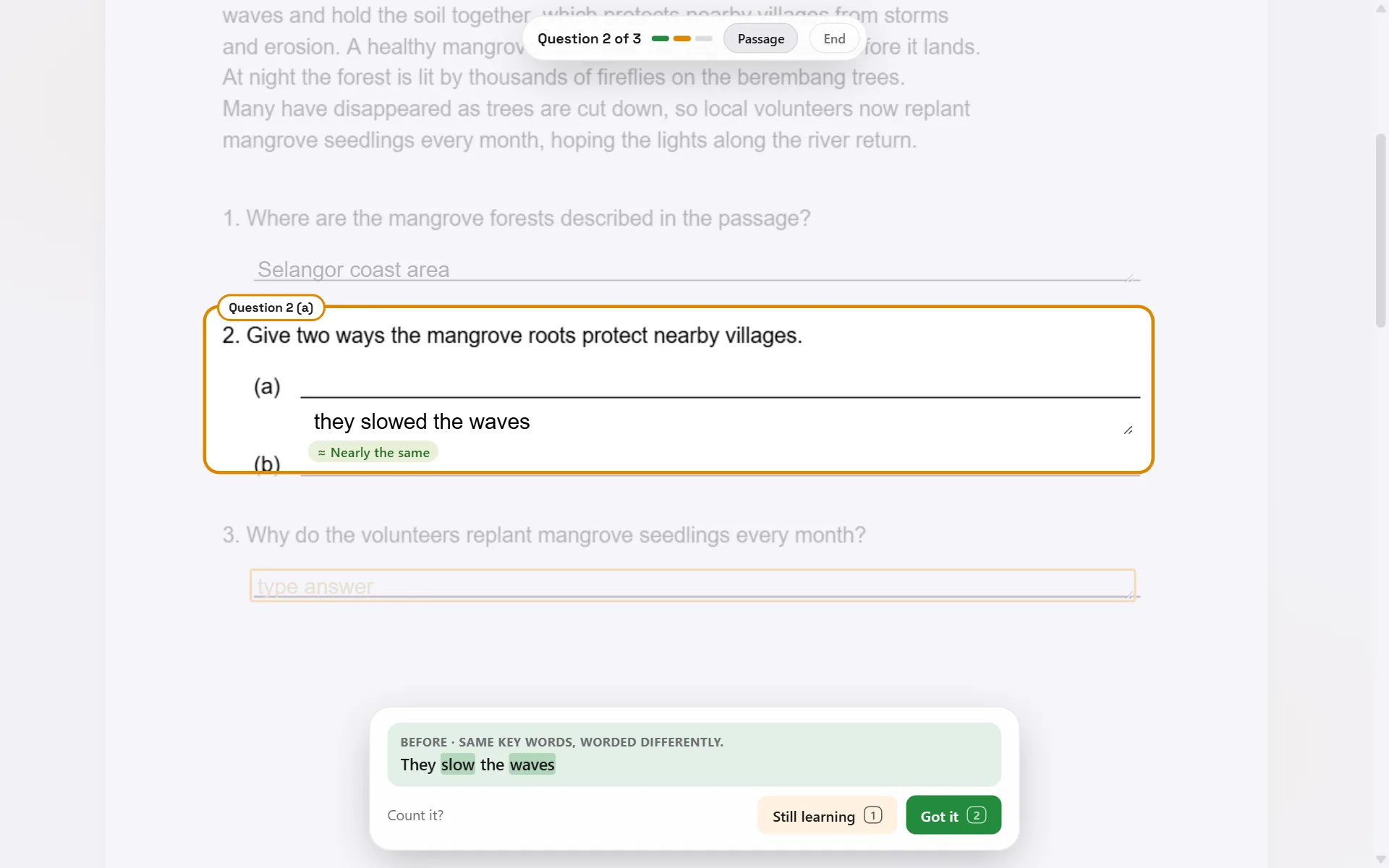
Quiz me knows a close answer when it sees one
Write “they slowed the waves” for “They slow the waves” and it shows which words match, then lets you count it. A different number or a missing “not” still counts as different.
Also in this update
- Reminders only for sheets you study A project you quizzed once won’t come back. Tap × to drop any sheet.
- A shorter quiz summary It fits on one screen.
- Teachers no longer see student tools No Quiz me, reminders or Hand in on a teacher’s copy.
· Botple Notes 106
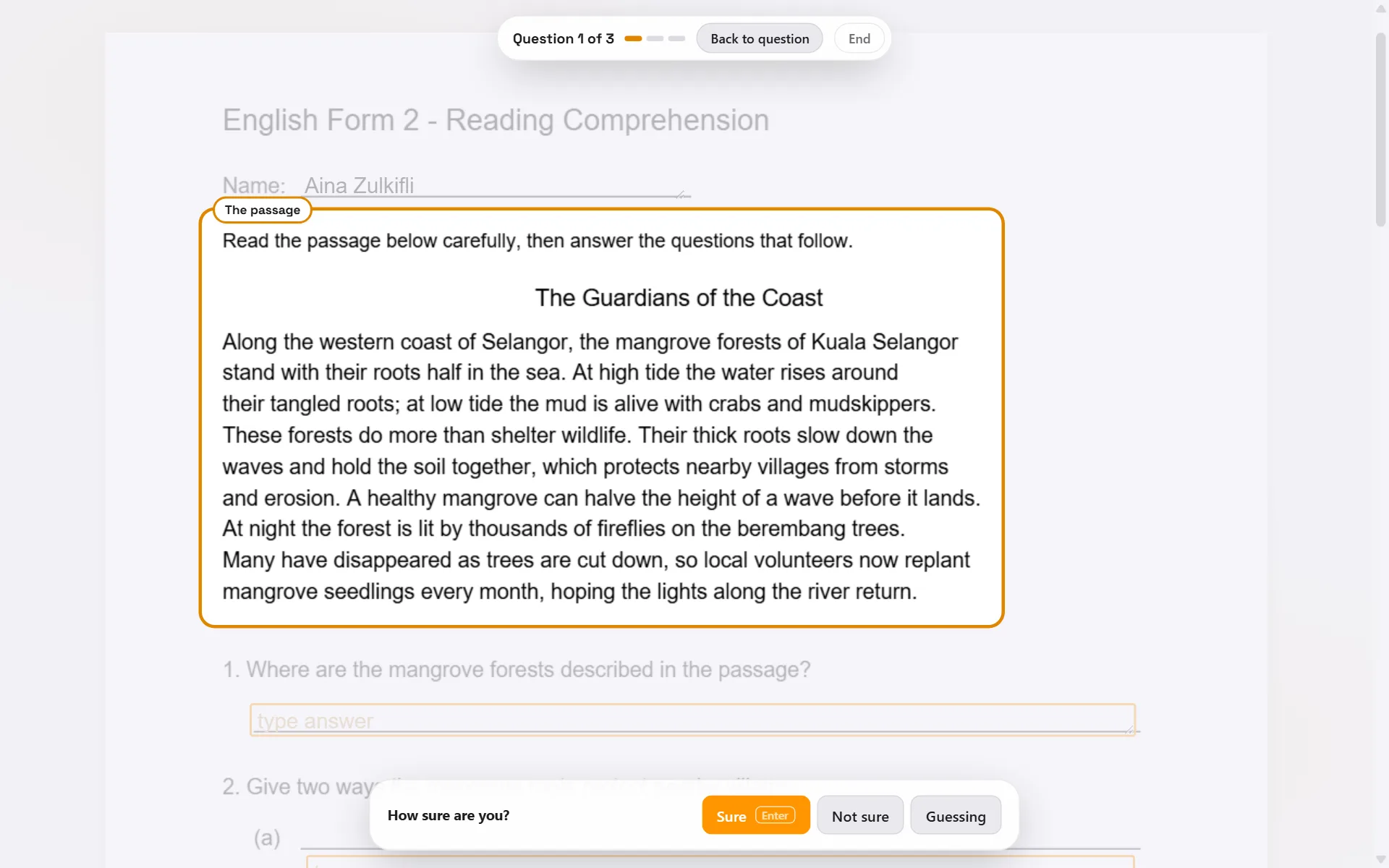
Quiz me frames the whole question
The question and its parts are framed together, the rest of the page stays readable, and Passage takes you to the reading text and back.
Also in this update
- Today’s review Every due sheet in one short session, from your library.
- Exam mode The whole sheet against the clock, checked at the end.
- Practice copy Your worksheet with your answers taken off, to print and practise.
· Botple Notes 105
Quiz yourself on your own homework
Your finished worksheet becomes a quiz. It asks one question at a time, brings back what you missed, and tells you when the next quiz is due.
· Botple Notes 104
A neater credit on exported pages
The real Botple Notes logo, the same size on every page, placed where it never covers your work. You can still switch it off when you export.
· Botple Notes 103
Pinch to zoom
Pinch on a touchpad, or hold Ctrl and use the mouse wheel. The page grows around your fingers and sharpens when you stop.
Fixed
- Tab indents on blank pages It no longer throws you back to page 1.
Earlier updates
- Sync is paused for now Save to Drive and Open from Drive still work.
- Textbooks open clean Long books start with answer boxes off. One click shows them.
- Far page jumps are instant Page 150 of a textbook: 51 seconds down to 3.
- Open photos as worksheets PNG, JPG, WebP and more. Several at once become one sheet.
- Scans get answer boxes New scans are checked for blanks like every photo.
- Even highlights No more dark patches between words.
- Typing lands where you click Right on the pointer, and on the printed line.
- See how sure each box is Hover a box for its score. Keep or hide the doubtful ones.
- Tables detected properly No boxes on borders or over handwriting.
- Blanks inside sentences “Nama: ______” and mid-sentence blanks get boxes.
- Two-column sheets Boxes stay inside their own column.
- Fewer wrong boxes on photos Multiple-choice photos stay clean.
- Dotted answer lines Dots, underscores and dashes all get boxes.
- Scanned PDFs get boxes Botple reads the page itself, not just its text.
- Security fix A document name could run code. Please update.
- Double-click to write anywhere Even on a sheet where no blanks were found.
- Answers match the print size Big-print sheets get big answers.
- Boxes stay on the page No more sideways scrolling near the margin.
- No invisible empty boxes A box you never typed in disappears.
- Blanks with no line drawn “1. ______ do you want?” is found anyway.
- Numbered blanks recognised “1. ______” counts as a real question.
- Small boxes found Grids and blank periodic tables work.
- Our own app icon Botple Notes wears its own mark.
- Type a page to jump Uses the number printed on the page.
- Short blanks kept “Mass = ____” gets a box.
- An honest blank count Only real blanks are counted.
- See-through while typing The page stays visible under your answer.
- Mark right or wrong Record your teacher’s marks, then revise the misses.
- Study mode Hide your answers and try the sheet again.
- Due dates “Due tomorrow” on every card, and a Due next sort.
- Hand in One button: a named PDF, marked done.
- Blanks left See how many are empty and jump to the next.
- Tab in reading order Down the page, then on to the next.
- Boxes on photographed pages Photos of paper worksheets get boxes too.
- Class folders open again For teachers marking a whole class.
- Page strip Hover the right edge to see where you’ll land.
- Page numbers match the print i, ii, iii and all.
- Clear answer boxes A thin outline, so the question shows through.
- A quick tour Four steps for new students. Replay it in Settings.
- Saving after export Windows app: update to 1.0.3 or later.
- The eraser warns first Removing an answer tells you. Ctrl+Z undoes it.
- Marking settings for teachers Only teachers see them now.
- Drive sign-in fixed No more stuck on “opening…”.
- A loading screen A slow start no longer looks broken.
- Answers glow under the eraser So you never erase one by accident.
- Answer keys Teachers: model answers follow your page.
- Chinese export saves Exporting 中文 no longer stops saving.
- Write in Chinese 中文 worksheets save and export.
- Shapes tool Lines, arrows, boxes and circles.
- Export as images PNG or JPG, one per page.
- Pen thickness slider Plus strikethrough for text.
- Sync through Google Drive Optional, and only what you choose.
- Comment stamps Teachers: your own phrases, one PDF per class.
- Start over Replay the welcome or reset preferences.
- Smoother drawing Long strokes keep up with your pen.
- Move the tool panel Top, or either bottom corner.
- Styled page numbers Pick the corner, format and starting number.
- Recent colours The picker opens right beside the swatch.
- Cleaner finished pages Outlines show only while you work.
- Mark a whole class Open a folder and mark every script in one pass.
- Class report See which question everyone missed.
- Ticks, crosses and points A running total on every page.
- Drive in the Windows app Open worksheets straight from Google Drive.
- First-run setup Your name on exports, credit on or off.
- A credit you can switch off One tick in the export screen.
- Tidier menus and alerts Dropdowns match the app; alerts stop piling up.
- Botple Notes beta Worksheets, handwriting, voice notes and Drive.
- Faster scanning And it straightens photos from your phone.
- Better answer detection Real fillable PDF forms too.
- A Windows app Install Botple Notes on your PC.
- Boxed square roots Right on the √ key.
- Integrals, d/dx and variables New modals, plus stored variables.